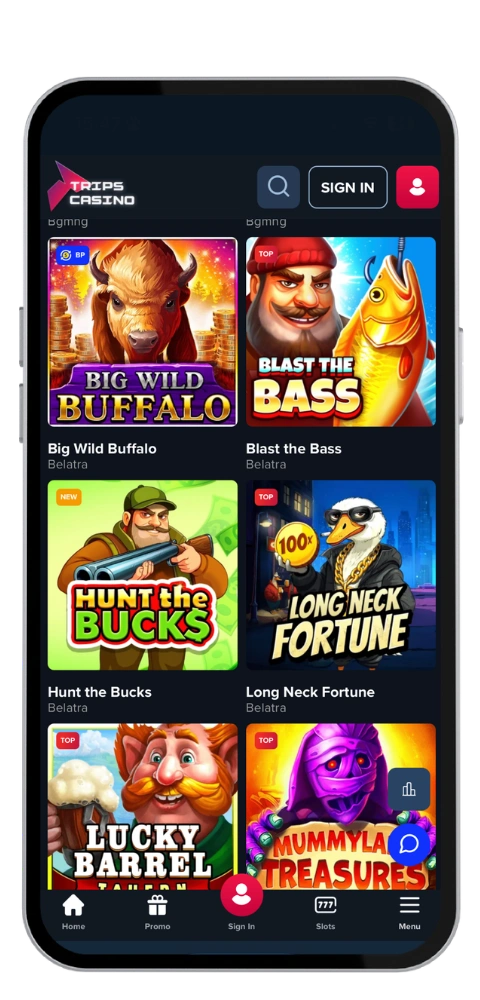
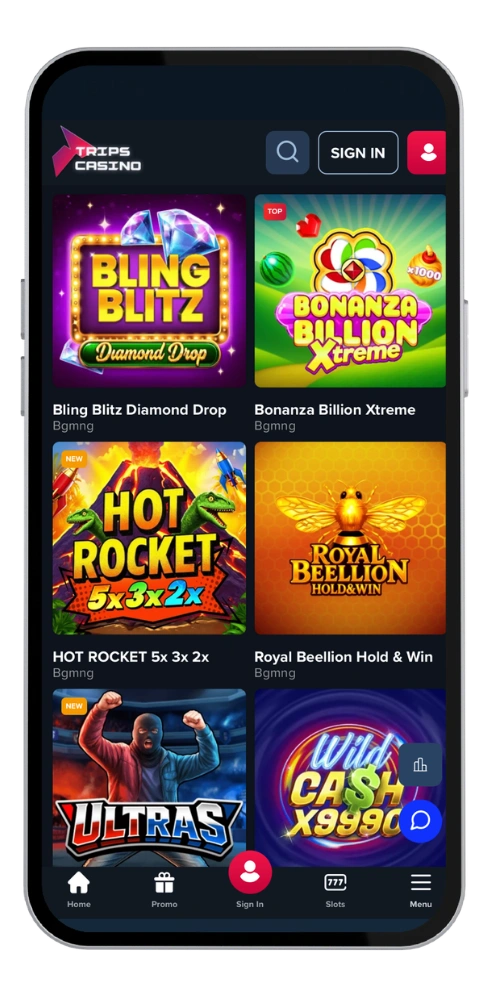
We made our mobile app for people taking a few minutes during their commute, waiting for a coffee or relaxing on the couch with the TV. You access an incredible gaming room with more than 6,000 casino games, including video pokies, blackjack, baccarat, roulette, bingo, sic bo and scratchies, on a single account. The app is 42 MB so it isn’t taking up too much space on your device or your data plan.
New Zealand players can hold their balance in NZD, so there’s no conversion guesswork when you deposit with Visa, Mastercard, Skrill, Neteller, PayPal or bank transfer. Crypto works too if you prefer Bitcoin, Ethereum, Litecoin or Dogecoin. We’re licensed by the Tobique Gaming Commission and Anjouan, and the platform runs in English and French along with German, Italian and Norwegian. Support answers by email 24/7 at [email protected].
Bonus
NZ$24,000 and 360 free spins
Great Things About Trips Casino App
TripsCasino mobile app is fast, smooth and designed for use with one hand. Navigation is contained to the bottom of the screen, search can locate any game in nanoseconds, and the lobby has been honed to the point where pokies load in a fraction of a second. Bonus, cashier and account history are all just one tap away, deposits by card or e-wallet are presented immediately, crypto takes anywhere from 10 to 60 minutes, and withdrawals to e-wallets take 24 hours or less from approval. Zero casino fees.
TripsCasino Download Guide Step by Step
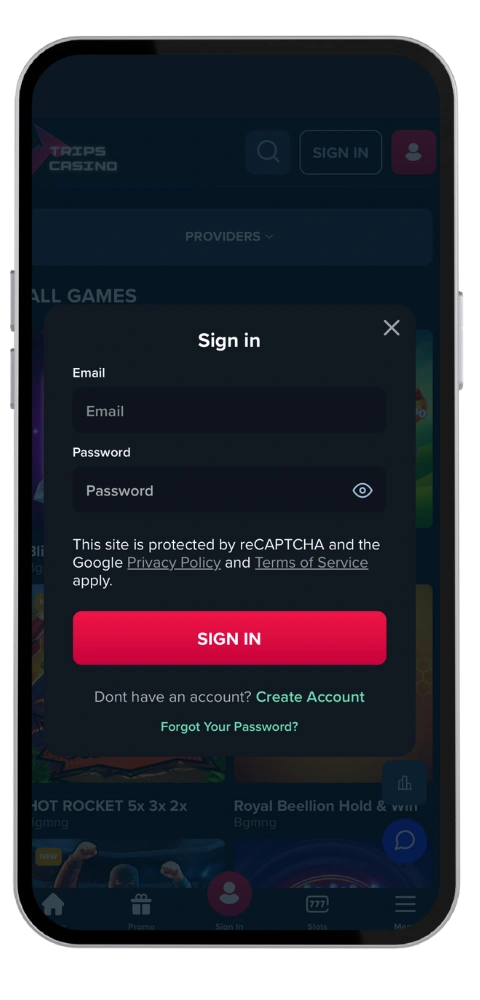
Getting the Trips Casino application only takes about two minutes. Simply download the file from our official website, accept the installation, log in and you’re good to go. Same account, same balance, same bonuses you had on your desktop.
Installing Our Android App
Here’s the Trips Casino application installed on an Android, from beginning to end.
Open the official website gotripscasino.com in your browser.
Download the apk file to your device.
Enable Installation from unknown sources in your security settings.
Tap the file, confirm, and the installation finishes in under a minute.
Sign in or create an account, and then get ready to start playing.
It can consume 42MB space of the installation and needs in Android 6.0+. The latest updates are in real time (while app is running), so you will get updates immediately.
Trips Casino Application for Your iOS Device
iPhone users face an even shorter road.
Open the App Store on your iPhone or iPad.
Use search and type TripsCasino Casino.
Press Get and confirm with Face ID or your passcode.
Wait for the 42 MB download, then open the application and log in.
You need iOS 13 or above. If you haven’t already, we have auto login disabled by default for security and you will need to enter your login each time. (You can still use the browser version using macOS and Windows).
TripsCasino App and Web Version Comparison
While both branches of Trips Casino draw on the same servers, meaning that your account remains the same, your bankroll and bonus will stay the same across every day. The only difference is the difference in the daily experience.
The app also wins on speed. Games that are stored within your device appear to load more quickly (so you can get into that free spins mode a little bit quicker), the lobby remembers where you were up to, and push notifications tell you when anything interesting happens—such as a withdrawal clearing or a free drops landing. If, like many are, you’re just playing a handful of short sessions each day, then this is the one.
The web has more flexibility. It plays on anything today – major browsers, Windows, Mac, Android, iOS…no install. Larger screen, two game screens side-by-side, easier to read gaming terms and banking pages. The majority of our Kiwi players deposit on desktop and then get to play the spin on their cellphone later that evening. Weekly withdrawals go up to NZ$9,000 with a cap of NZ$37,000 monthly – both limits are the same for the web.